How to Automate Quote Follow-Ups and Stop Losing Jobs
Stop losing jobs to unfollowed quotes. Set up automated quote reminders in under an hour. Proven results for UK trades businesses. Book your AI Assessment.

Gary sends out twelve quotes a week. He's a plumber in Newcastle running a three-person operation, and by his own estimate, he converts about four of those twelve into paying jobs. That's a 33% conversion rate, which he reckoned was "about normal for the trade."
Then we asked him a simple question: how many of those twelve quotes do you actually follow up on?
"Maybe three or four. If I remember. Usually the bigger ones."
So eight quotes per week go out and are never heard from again. Not because the customer said no. Not because the price was wrong. Simply because Gary was under a sink somewhere and didn't have time to send a text.
At an average job value of £800, those eight unfollowed quotes represent up to £6,400 per week in potential revenue. Even if only a quarter of them would have converted with a follow-up, that's £1,600 a week. Over a year, that's north of £80,000 left sitting in people's inboxes.
This is the single biggest revenue leak in trades businesses. And it's one of the easiest things to automate.
Why quote follow-ups matter more than you think
DigitalX Marketing research found that UK trades businesses lose an average of £24,000 per year because over 60% of calls go unanswered. But the quote follow-up problem is arguably worse, because the hard work is already done. You've been to the property, assessed the job, and written the quote. All that's left is a nudge.
Here's what the data tells us about quote follow-ups:
- 80% of sales require five follow-ups after the initial contact. Most tradespeople do zero or one.
- Responding within an hour of a customer's enquiry makes you seven times more likely to win the job compared to waiting a day.
- The average UK homeowner gets three quotes for any job. The tradesperson who follows up first usually wins.
- With only 4.8% of UK tradespeople actively using AI tools (Logic4training), automating your follow-ups puts you ahead of virtually every competitor in your area.
The tradesperson who follows up isn't necessarily the cheapest. They're the one who looks most professional, most responsive, and most likely to actually turn up.
What an automated quote follow-up sequence looks like
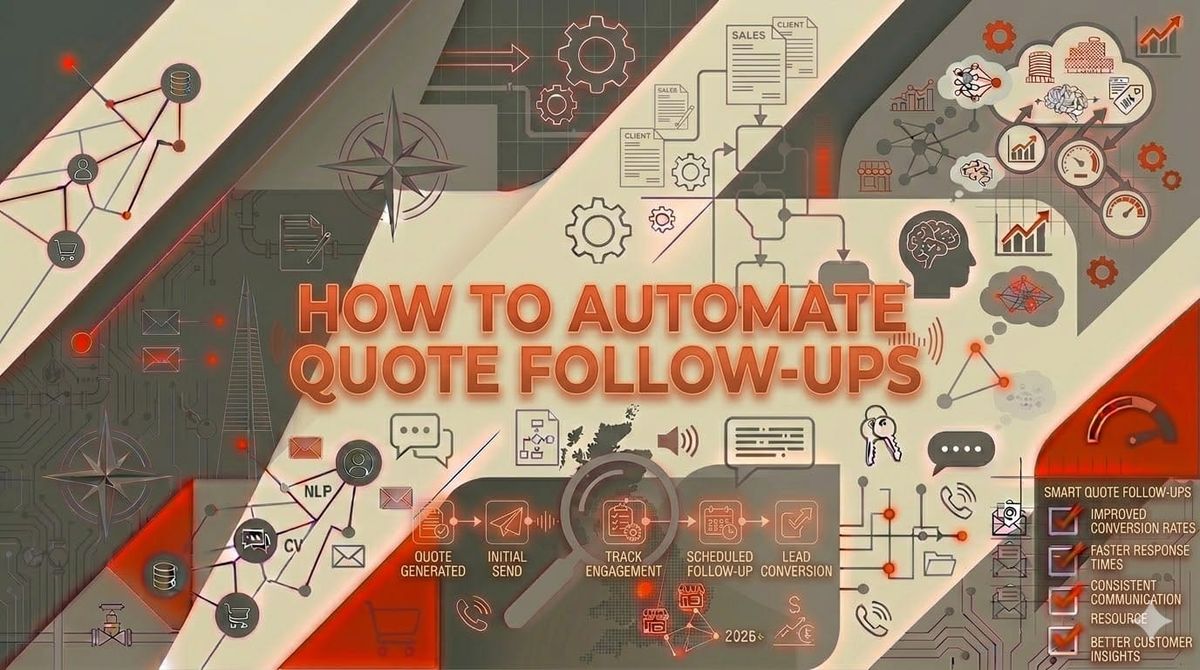
Here's the sequence we set up for most trades businesses. It runs entirely on autopilot once configured:
Within 1 hour of sending the quote:
A friendly text message: "Hi [Name], thanks for having us round today. I've sent your quote to [email]. Any questions, just reply to this text or give us a ring. -- [Your name], [Business name]"
Day 3 (if no response):
A brief email: "Hi [Name], just checking you received the quote for [job description] at [address]. Happy to answer any questions or adjust anything. The price is valid for 14 days."
Day 7 (if no response):
A second text: "Hi [Name], following up on the quote for [job]. We've got availability [next week/this month] if you'd like to go ahead. Let me know either way -- no pressure."
Day 14 (if no response):
Final follow-up email: "Hi [Name], I know things get busy so this is my last nudge about the quote for [job]. If the timing isn't right, no worries at all. We'd be happy to help whenever suits you. The quote's on file if you want to revisit it later."
Day 14 + response received at any stage:
The sequence stops automatically. No more messages once the customer replies.
This sequence is polite, professional, and persistent without being pushy. And it runs while you're on a job, in the van, or having your tea.
How to set up automated follow-ups (step by step)
You don't need to be technical. You don't need expensive software. Here's how to set this up in under an hour.
Option 1: Using your existing job management software
If you're already using Tradify, Jobber, Simpro, or Workever, check your settings. Most of these platforms have built-in follow-up features that are turned off by default.
Tradify: Automatic email reminders on open quotes. Turn them on in Settings > Quotes > Follow-up Reminders.
Jobber: Automated quote follow-up emails at intervals you choose. Go to Settings > Communications > Quote Follow-Up.
Workever: Quote reminder sequences with customisable timing and messages.
If your platform supports it, this is the fastest route. Five minutes of setup, no additional cost.
Option 2: Using Zapier or Make.com
If your job management software doesn't have built-in follow-ups, or if you want more control over the sequence, a no-code automation workflow does the job perfectly.
The basic Zapier setup:
- Trigger: New quote created in your job management software (or a new row in a Google Sheet if you track quotes manually)
- Action 1 (immediate): Send a text via Twilio or TextMagic: "Hi [Name], your quote's been sent..."
- Action 2 (3-day delay): Send an email via Gmail/Outlook: "Checking you received the quote..."
- Action 3 (7-day delay): Send a second text: "Following up on the quote..."
- Action 4 (14-day delay): Send a final email: "Last nudge about the quote..."
- Filter: If the customer replies or the quote status changes to "accepted", stop the sequence.
Cost: Zapier from £15/month. Twilio texts cost about 4p each.
Option 3: Using a CRM with automation
Tools like HubSpot (free tier), Pipedrive, or even a simple email marketing platform like Mailchimp can handle quote follow-up sequences. You add the customer when you send a quote, and the automation handles the rest.
This works best if you want to track your conversion rates over time and see which follow-up messages get the best response.
Real results: what happens when trades businesses automate follow-ups
Ben, electrician in Birmingham
Ben was running a two-person operation and losing three or four jobs a week because he couldn't return quote follow-up calls while on site. We set up a quick wins automation that sent follow-up texts and emails within an hour of the initial quote.
Result: Quote conversion rate jumped from 30% to 48%. That's roughly four extra jobs per week at an average value of £600. Annual revenue impact: over £120,000 in additional turnover.
Setup time: two hours. Monthly cost: £19 (Zapier + Twilio).
Karen, builder in Leeds
Karen runs a small building firm taking on extensions, loft conversions, and kitchen refits. Her quotes range from £5,000 to £40,000. She was following up on the big quotes personally but letting the smaller ones slide.
After automating follow-ups for all quotes, she discovered that the smaller jobs (£5,000-£10,000) actually had the highest follow-up conversion rate. "The big jobs, people are still shopping around. The kitchen refits? They just needed a reminder to say yes."
Result: Three extra jobs per month averaging £7,500. Annual revenue impact: £270,000. Her automated sequence cost £15/month.
Andy, plumber in Glasgow
Andy was tracking quotes on paper. Literally a notebook in his van. We moved him to a simple Google Sheet with a Zapier trigger that sent automated follow-ups.
"I felt stupid for not doing this years ago. I was leaving money on the table every single week."
Result: Conversion rate increased by 22 percentage points. His AI savings calculator results showed over 5 hours per week saved on admin.
Common mistakes to avoid
Following up too aggressively
Nobody wants five texts in three days. Space your follow-ups out. Our sequence uses 1 hour, 3 days, 7 days, and 14 days. That's four touches over two weeks. Professional, not desperate.
Using the same message every time
Vary your channel (text, then email, then text, then email) and your message. Each follow-up should add something -- availability update, deadline reminder, or simply a different tone.
Not tracking what works
If you're not measuring your conversion rate before and after automation, you won't know what's working. Even a simple spreadsheet tracking "quotes sent" vs "quotes accepted" tells you everything you need to know.
Forgetting to stop the sequence
Nothing kills professionalism faster than a follow-up text after the customer has already booked the job. Make sure your automation stops when the quote status changes. This is the one step worth testing twice.
The numbers: what quote follow-up automation saves
| Metric | Before Automation | After Automation |
|---|---|---|
| Quotes followed up | 25-30% | 100% |
| Average conversion rate | 25-35% | 40-55% |
| Time spent on follow-ups | 3-5 hours/week | 15 mins/week |
| Revenue from converted quotes | Baseline | +15-40% |
| Monthly automation cost | £0 | £15-50 |
For a typical trades business sending 10-15 quotes per week, automating follow-ups can mean 2-5 extra jobs per week. At average UK trade job values, that's anywhere from £1,000 to £5,000 in additional weekly revenue.
FAQ: Automating quote follow-ups for trades
Do customers find automated follow-ups annoying?
Not if they're well-written and properly spaced. Four messages over two weeks is standard business communication. What customers find annoying is silence -- sending a quote and never hearing from you again. That feels unprofessional.
Can I personalise automated messages?
Yes. Every automation tool supports merge fields -- the customer's name, job description, property address, and quote amount can all be pulled in automatically. The messages read as if you typed them yourself.
What if I don't use job management software?
A Google Sheet works fine as a starting point. Log your quotes there, and connect it to Zapier for automated follow-ups. You can upgrade to proper job management software later when the volume justifies it.
How quickly will I see results?
Most trades businesses see measurable improvement within the first two weeks. You'll notice it immediately -- customers replying to follow-ups that you would never have sent manually. The conversion rate data becomes clear within a month.
Does this work for commercial/contract work?
The sequence needs adjusting for larger commercial quotes -- longer intervals, more formal language, and potentially a phone call step instead of text. But the principle is identical: follow up systematically, and conversion rates improve.
Stop leaving money in people's inboxes
Every quote you send without a follow-up is money you've already earned the right to chase. You did the site visit. You wrote the estimate. The only thing missing is a reminder.
Automating your quote follow-ups takes less than an hour to set up and costs less than a takeaway. The return is measured in thousands of pounds per month, not per year.
The AI Assessment maps your entire business workflow -- quoting, scheduling, invoicing, and client communication -- and gives you a prioritised list of what to automate first. £499, money-back guarantee if we can't find 5+ hours of weekly savings.
Or start right now: open your job management software, find the quote follow-up settings, and turn them on. That alone could be worth thousands by the end of the month.
See more ideas for your trade on our AI for electricians, AI for plumbers, and AI for builders pages.